Zip
Sponsored Link:
Welcome to Zip
Thank you for installing and using our extension
Features:
Its extremely easy to begin.
How to Unzip Files/Folders
Simply open our software, choose the zipped file you wish to unzip and the location where you want the unzipped files to be stored at.
How to Zip Files Up
To zip your files, click on the "Zip" button at the left hand side of our software. Choose the files & folders you wish to zip and the output folder. Thats all you have to do.
The most popular file compression formats are ZIP, 7z, RAR,
ZIP is the most widely used format for compressing files. It offers the broadest range of features and supports a wide variety of compression methods, including dictionary-based and adaptive Huffman coding.
The 7z format is a freely available open source archiving format created by Igor Pavlov in 1999. The 7z format is based on the LZMA2 compression algorithm, which provides high compression ratios; it also allows for multiple levels of compression to be applied to files with different degrees of importance.
RAR is a proprietary format developed by Eugene Roshal as an alternative to using ZIP files for storing multiple files together into one package.
Tutorial:
- Install the Extension
- After installing the extension, click on the icon on the toolbar.
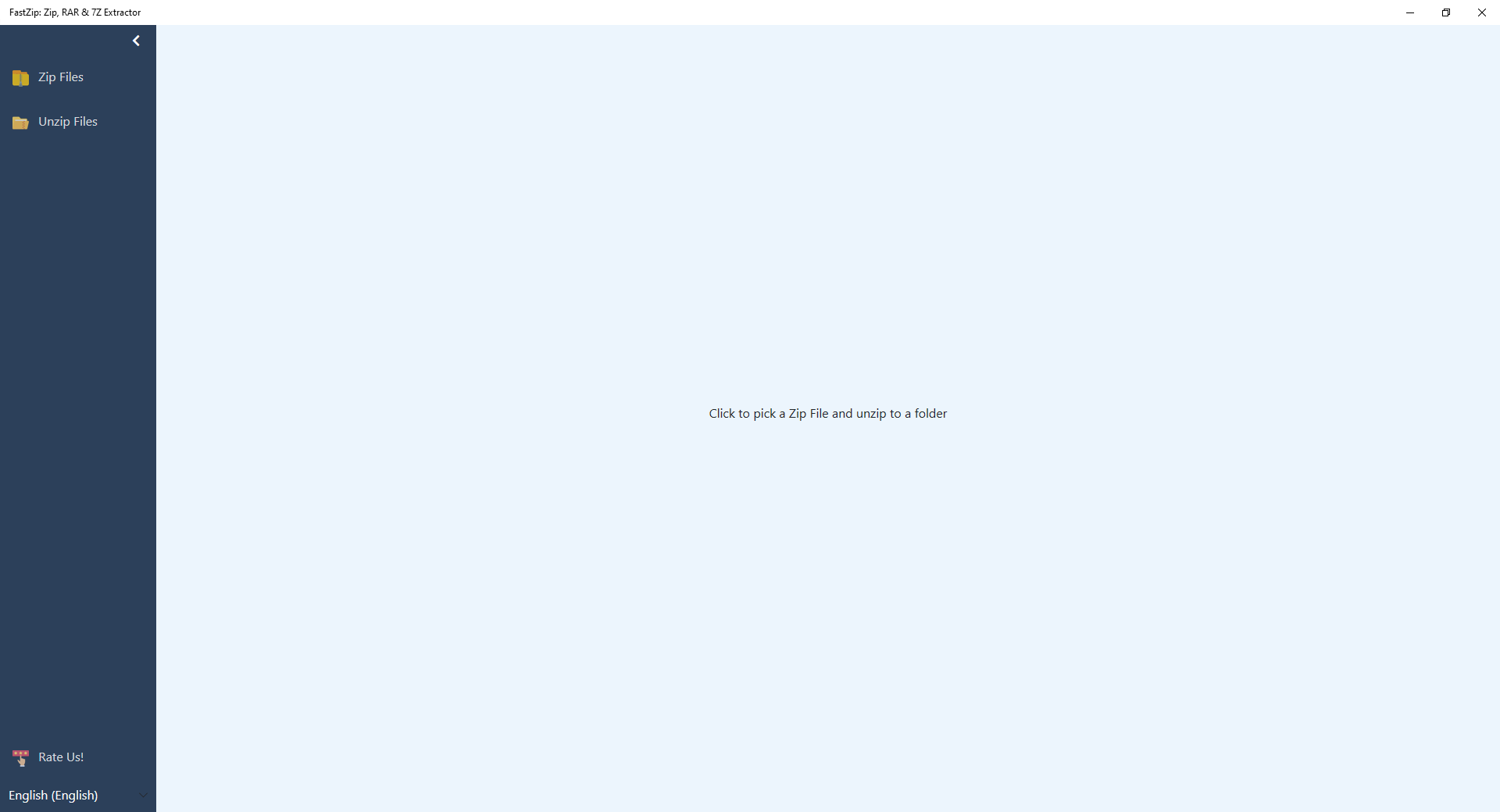
Begin to Zip & Unzip your files using your Windows app today.
Sponsored Link: