Userscripts
Sponsored Link:
Welcome to Userscripts
Thank you for installing and using our extension
Features:
Install and open.
- After installing the extension. You click on the icon and can start modifying the CSS/javascript to customize the experience you get.
A userscript is a script that can change the way a website behaves. It is stored in a text file and run by your browser, which makes it very easy to install and update.
A userscript is useful for doing things that would be difficult or impossible with a simple bookmarklet, such as visiting many pages at once or automatically logging in to a site. Userscripts are also more powerful than Greasemonkey scripts because they don't require any extra software to run.
Userscripts are commonly used for:
Automatically adding features or changing the appearance (layout, colors, fonts) of a website; for example, adding a Facebook Like button to every page.
Security purposes, like blocking ads or scripts from tracking your activity on different sites.
Changing the functionality of a website; for example, making it possible to search directly from Google Images or making YouTube videos play in fullscreen by default
Tutorial:
- Install the Extension
-
After installing the extension, click on the icon
 on the toolbar.
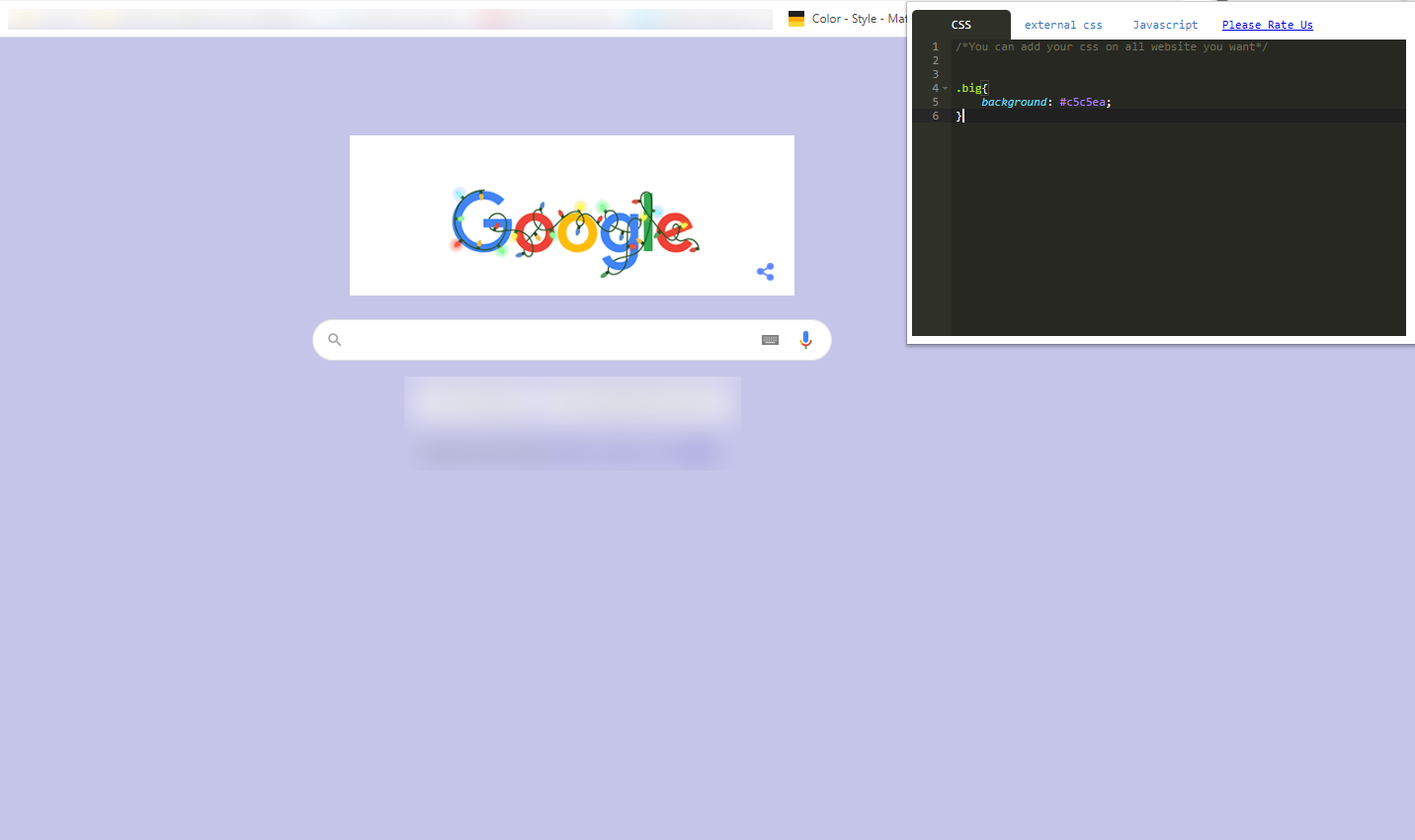
This extension will allow you to add your css / js code to every website.
Sponsored Link: