1
How to use our extension
Speech Recognition
Sponsored Link:
Welcome to Speech Recognition
Thank you for installing and using our extension
Features:
Use Voice Recognition to fill out forms and dictate email with speech to text. Control the Internet with your custom voice commands! After installing the extension. You click on the icon to activate the extension.
Tutorial:
- Install the Extension
-
After installing the extension, click on the icon
 on the toolbar.
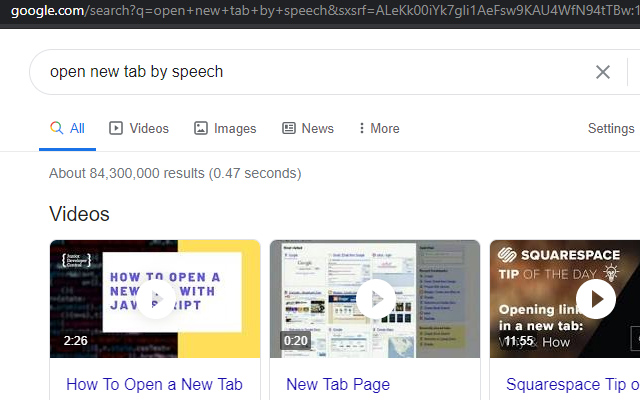
Once you have installed our extension, you can begin using it to do "speech to text". What this allows you to do is you can dictate your emails instead of having to type them. To begin using the dictation feature, you need to click on the extension icon first before you can use this feature.
Sponsored Link: