Screenshot for Videos
Sponsored Link:
Welcome to Screenshot for Videos
Thank you for installing and using our extension
Features:
To take a screenshot of a YouTube video, you'll need to use a browser extension and/or an app.
The best way to take a screenshot of a YouTube video is by using an app or extension that allows you to select the area you want to capture.
Steps for taking screenshots of YouTube videos:
Install the extension or app on your computer or mobile device.
Visit the video page in Chrome, Firefox, Safari or Opera browsers.
Click on the icon and select the area you want to capture.
The screenshot will be saved in your local storage or in the cloud depending on which app or extension you're using
You can also try these other methods.
To take a screenshot of YouTube video, you'll need to use a third-party tool. There are several options available, one is Lightshot.
Lightshot is free to download and use, and available on Windows, Mac and Linux systems.
To take a screenshot of YouTube video:
Download and install Lightshot if you don’t already have it installed on your computer. If you do have it installed already, make sure that it’s up-to-date with the latest version
Tutorial:
- Install the Extension
-
After installing the extension, click on the icon
 on the toolbar.
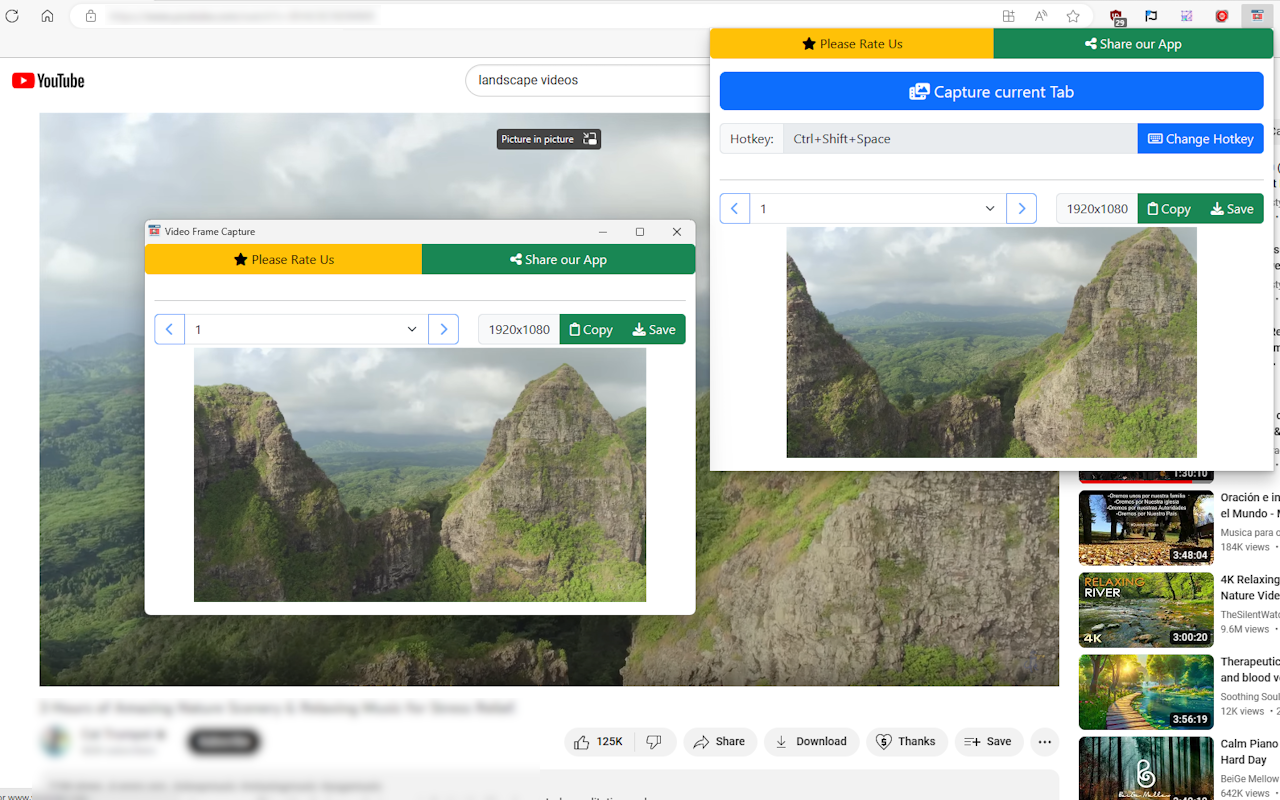
Screenshot for Videos is a Chrome extension that allows you to easily capture and save any frame from any video on the web. Whether you want to create a meme, a wallpaper, a thumbnail, or a collage, Video Frame Capture lets you do it in seconds.
- You can use a hotkey to capture the current frame of the video.
- You can capture all videos available in the web page at once, and choose which ones to save or copy.
- You can save the captured frame as an image file, or copy it to your clipboard.
Screenshot for Videos is fast, easy, and convenient. It works with any video format and any website, including YouTube, Netflix, Vimeo, Facebook, Instagram, and more. You can capture as many frames as you want, without any watermark or limitation.
Screenshot for Videos is the ultimate tool for video lovers. Download it today and start capturing your favorite moments from your favorite videos!
Sponsored Link: