RSS Feed Reader
Sponsored Link:
Welcome to RSS Feed Reader
Thank you for installing and using our extension
Features:
Install and open.
- After installing the extension. You click on the icon to get the RSS feed located on that specific webpage.
Feedreader is a free desktop RSS feed reader that supports multiple platforms. It's available as an offline installer for Windows, Mac OS X and Linux operating systems. The first time you run Feedreader, it will automatically download your feeds from the web and store them locally on your computer.
Feedly is an online RSS reader that offers a lot of features to help you organize your favorite news sources and blogs in one place.
Blogging platforms like TypePad and WordPress have built-in support for RSS feeds. You can also use third-party services like Blogger's FeedBurner or FeedBlitz to subscribe to other sites' RSS feeds.
Feedly - RSS feed reader
Feedly is a free service that lets you read online content using an RSS reader. It's like a newsreader, but for websites, blogs and forums.
It's great for people who want to keep up with the latest news, blogs, sports and technology without having to visit each website individually
Tutorial:
- Install the Extension
- After installing the extension, click on the icon on the toolbar.
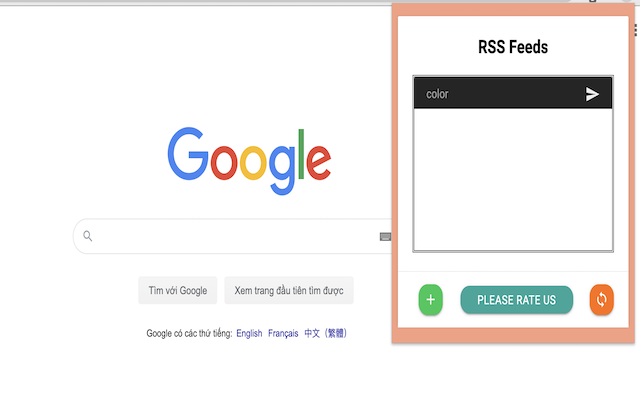
- Supports both RSS and Atom feeds
- Discover both RSS and Atom feeds within pages
- You can manage the RSS feeds manually or use a bookmark folder
Sponsored Link: