1
How to use our extension
Ratings Preview for Youtube
Sponsored Link:
Welcome to Ratings Preview for Youtube
Thank you for installing and using our extension
Features:
Install and open.
- After installing the extension. You click on the icon when you are on Youtube and it'll show the ratings for the video without having to click through to the video.
As a Youtube creator, you can view likes and dislikes for videos on YouTube by going to the video's page, then clicking on the “Stats & Growth” tab. You'll see a list of all the videos you've uploaded to YouTube, along with their likes and dislikes.
You can also view this information by going to your channel page and clicking on “View all” under “Your Videos.” This will show you all your uploaded videos, with stats for each one.
When you click on a specific video, there will be a section called “Likes & Dislikes” that shows the number of likes and dislikes for each.
Tutorial:
- Install the Extension
- After installing the extension, click on the icon on the toolbar.
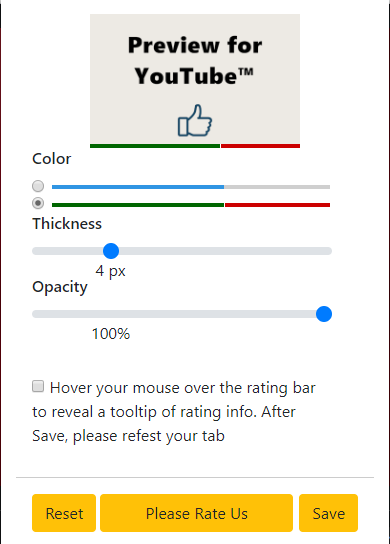
- Hover your mouse over the rating bar to reveal a tooltip of rating info.
- Customize color and size for preview bar.
Sponsored Link: