1
How to use our extension
Featured Images for Google Play
Sponsored Link:
Welcome to Featured Images for Google Play
Thank you for installing and using our extension
Features:
- After installing the extension. You click on the icon of the extension when you are inside the Google Play store.
Tutorial:
- Install the Extension
-
After installing the extension, click on the icon
 on the toolbar.
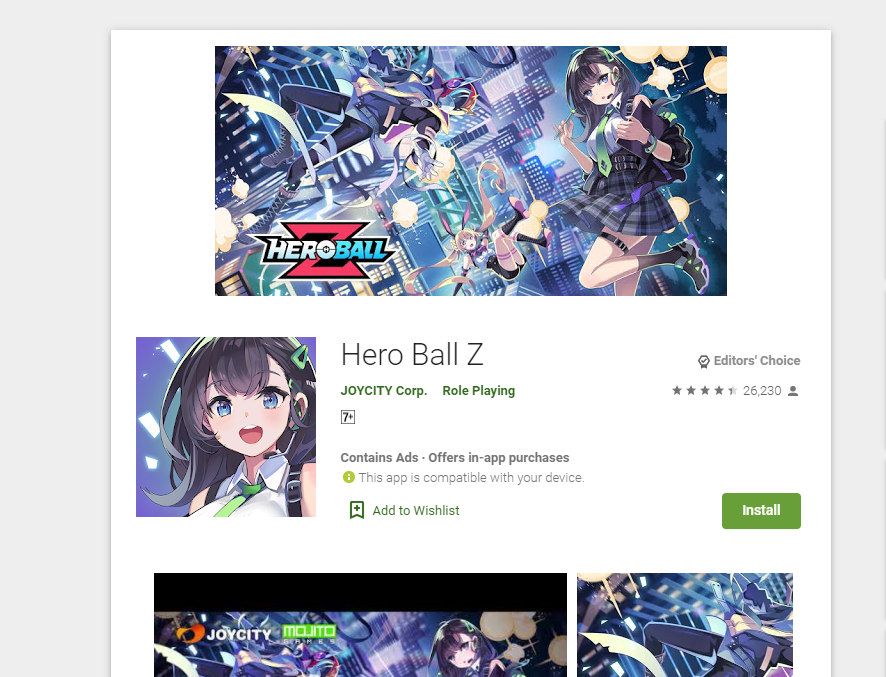
Show the feature image on Google Play store when you are on your desktop computer.
Sponsored Link: