1
How to use our extension
Open with Steam
Sponsored Link:
Welcome to Open with Steam
Thank you for installing and using our extension
Features:
Install and open.
- After installing the extension. You right click on the file you wish to open with Steam and choose "Open with Steam" using the context menu.
Tutorial:
- Install the Extension
-
After installing the extension, click on the icon
 on the toolbar.
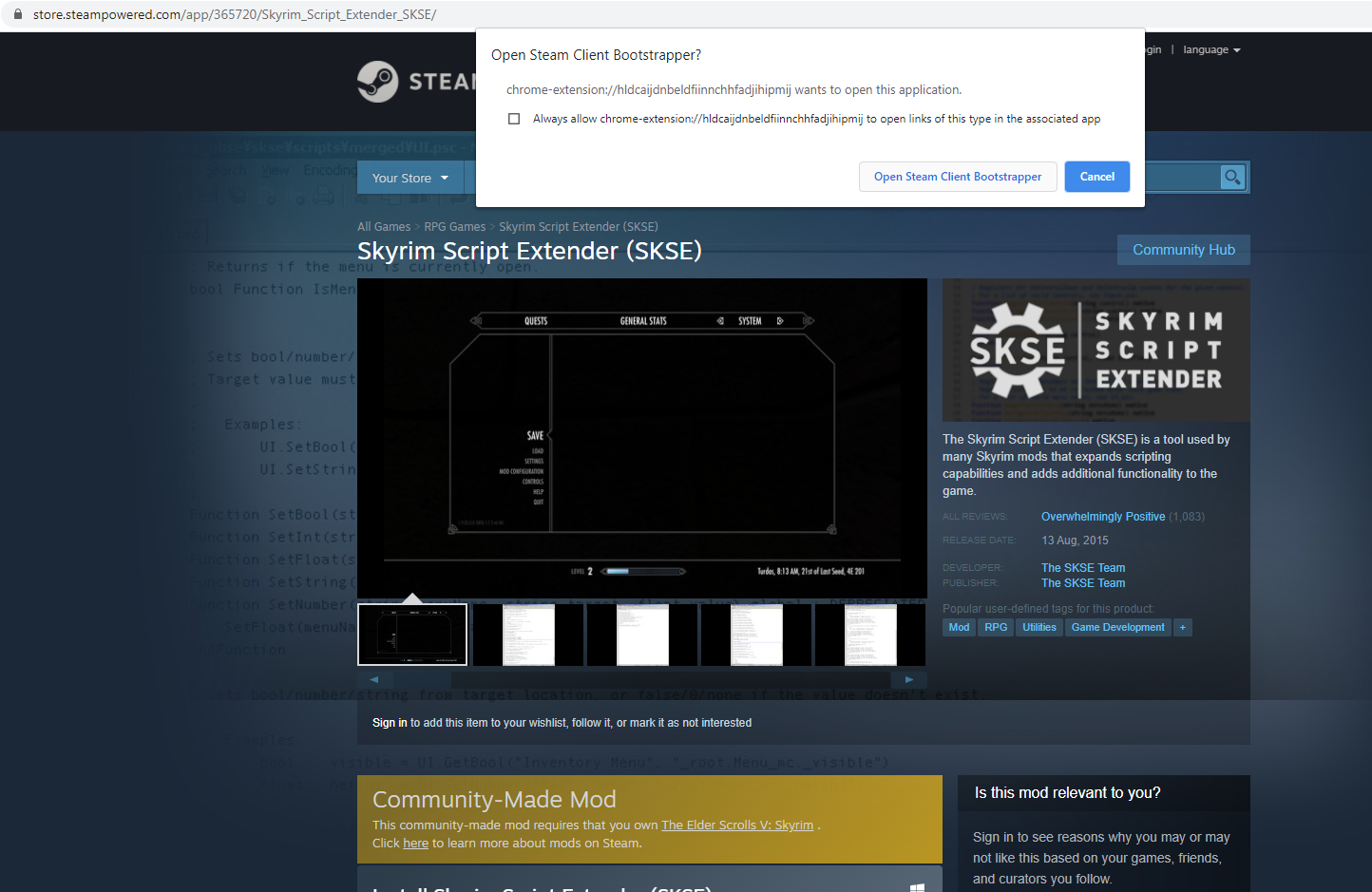
Easily open desired links in Steam Software
Sponsored Link: