Menu Bar
Sponsored Link:
Welcome to Menu Bar
Thank you for installing and using our extension
Features:
Install and open.
- After installing the extension. You click on the icon to get the menu bar back.
How to activate menu bar for google chrome?
If you are using Google Chrome browser, then you can easily turn on the menu bar for google chrome. Here are the steps that you need to follow to enable the menu bar for google chrome:
Click on View from the menu at the top of your browser window, then click Settings from the drop-down list of options that appears.
Click on Show advanced settings at the bottom of the Settings page and scroll down until you see a section called System.
Under System, locate a section called User Interface and click on it.
Under User Interface, select Menu Bar in the drop-down menu next to Appearance section and click Done button at the bottom of Settings page when done with your changes
Tutorial:
- Install the Extension
- After installing the extension, click on the icon on the toolbar.
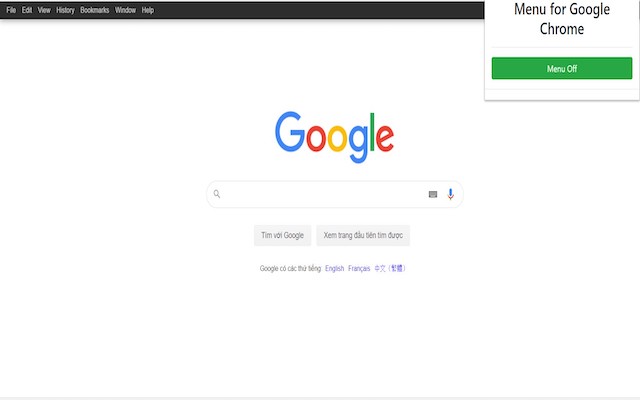
- Get the horizontal menu bar back, and have access to the File, Edit, View, History, Bookmarks, Window links at the top of the Chrome browser.
- Get fast access to all the options available for the Chrome Browser.
Sponsored Link: