Customise Tabs for Google Keep
Sponsored Link:
Welcome to Customise Tabs for Google Keep
Thank you for installing and using our extension
Features:
After installing the extension. You click on the icon to begin making category tabs for Google Keep.
Google Keep is a note-taking app that lets you save images, add text, and make lists. It's a simple way to capture ideas and keep things organized. You can use it on your computer or on your phone.
Google Keep is free, but you need a Google account to use it.
How to use Google Keep
Here are some of the things you can do with Google Keep:
Add photos and images from your computer or phone.
Write notes, memos and lists.
Make checklists of things you want to do or buy.
Share notes with other people who have the app on their devices. They'll see a link in the shared note so they can view it at any time.
Tutorial:
- Install the Extension
- After installing the extension, click on the icon on the toolbar.
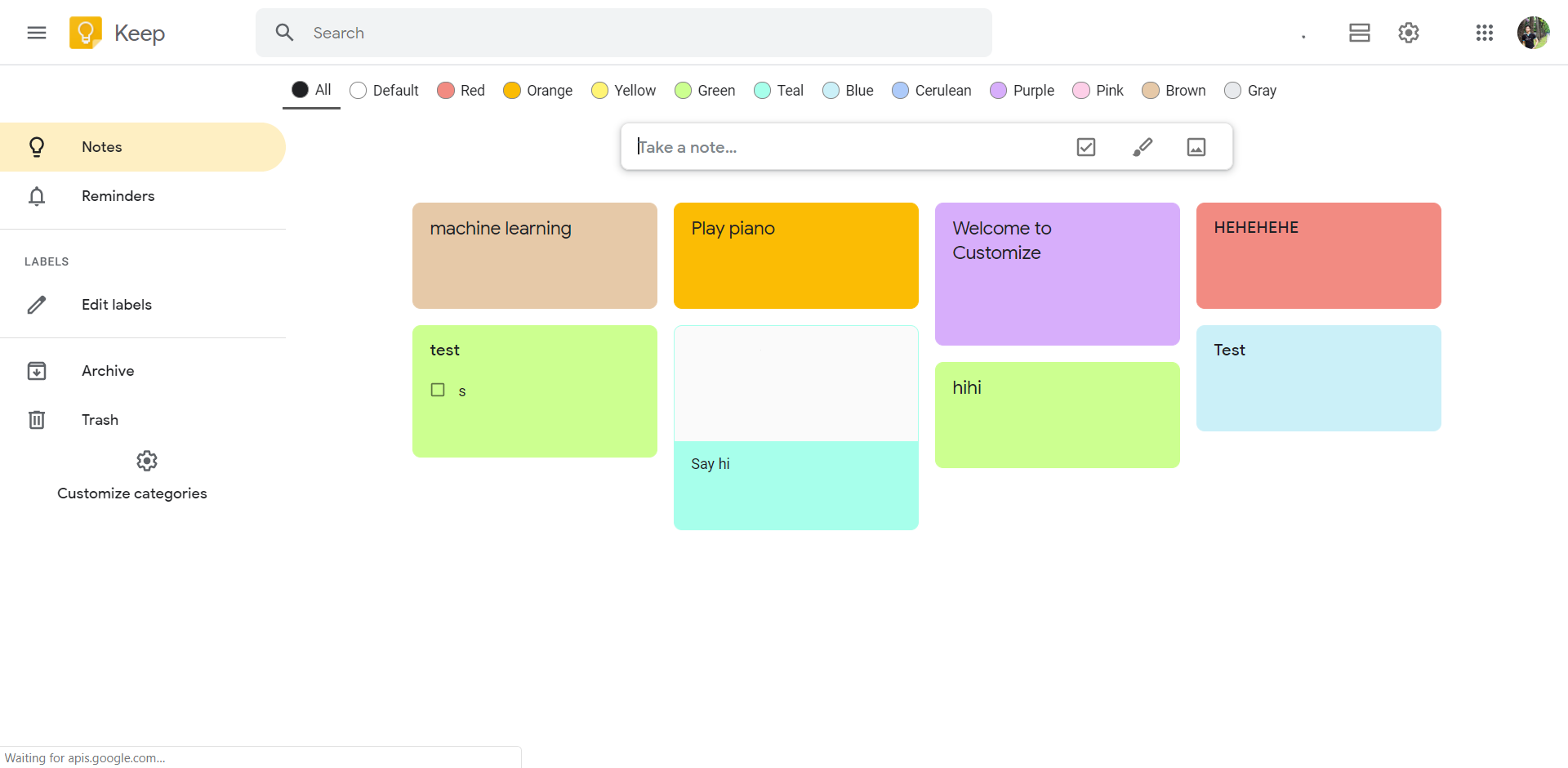
- Create category for Google Keep
Sponsored Link: