Character Count
Sponsored Link:
Welcome to Character Count
Thank you for installing and using our extension
Features:
- Install and open.
It'll help count the number of words/characters you have inside the text you pasted into the extension.
What is character count?
Character count is the number of characters in your text. It includes all letters, numbers, spaces and other symbols.
Q&A: How many characters can I use in my Twitter bio?
The number of characters in a Twitter bio is limited to 160. This includes letters, numbers and symbols.
What happens if I go over the character limit in my Twitter bio?
If you go over the limit, your profile information won't be shown as intended by Twitter. Instead, you'll see an ellipsis (…) or "…" in place of your text.
The character limit for a tweet is 280 characters, but that doesn't mean you have to use all of them. In fact, we recommend keeping your tweets under 120 characters. You can use hashtags and @mentions to keep them concise.
Why should I keep my tweets under 120 characters?
There are several reasons why it's best to keep your tweets under 120 characters:
They're easier to read. If readers can see your entire tweet in one glance, they'll be more likely to read it. That means they'll also be more likely to retweet or favorite it.
You need to make sure that your posts are not longer than the character limit. This is because if they are, they won’t be displayed on your Facebook page.
The character limit for a post on a Facebook business page is 60,000 characters. This means that you can use up to 60,000 characters in a single post (including text and links).
Tutorial:
- Install the Extension
- After installing the extension, click on the icon on the toolbar.
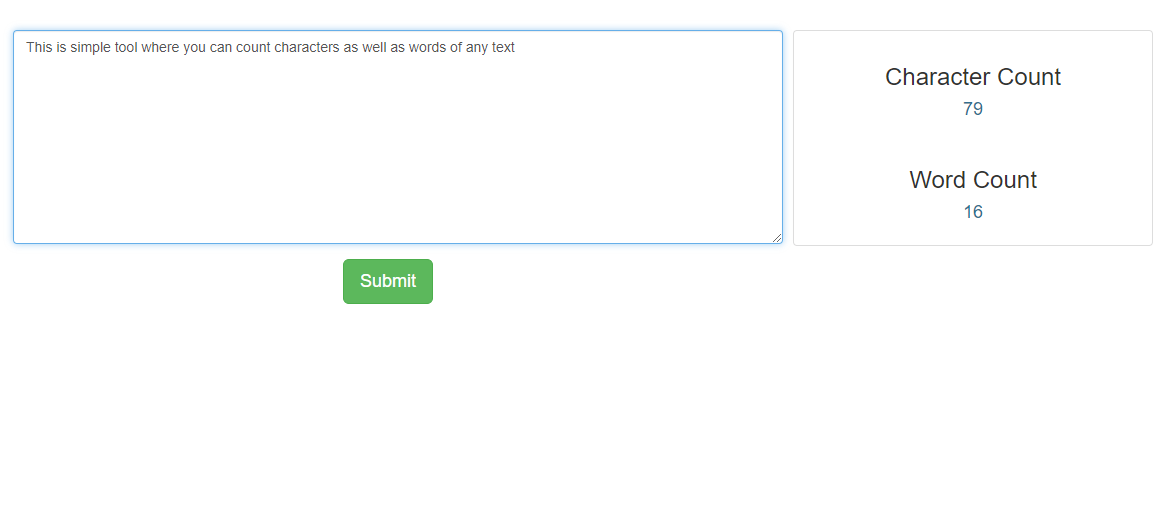
- This is simple tool where you can count characters as well as words of any text
Sponsored Link: